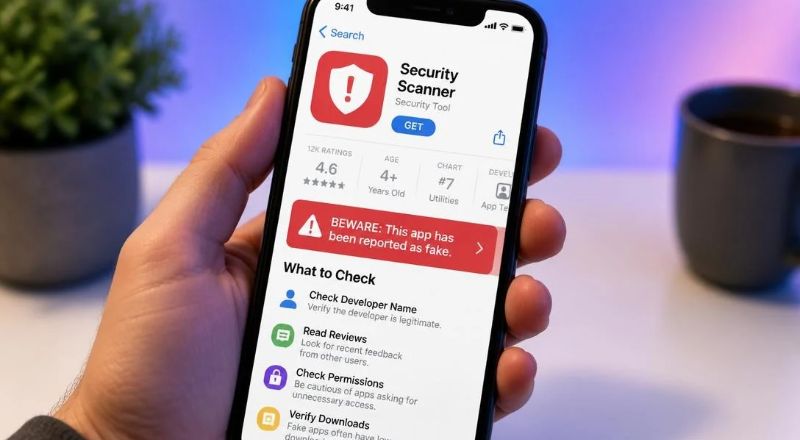
Easy Ways to Identify Fake Apps
In today’s connected world, our smartphones hold a wealth of personal information: photos, contacts, banking details, and more. Because these devices act as gateways to almost every part of life, protecting them becomes essential. One of the most common threats comes from deceptive applications that pretend to be legitimate tools, games, or utilities but hide malicious intent behind polished icons. Learning how to spot a counterfeit programme empowers you to safeguard your data, preserve privacy, and enjoy technology without fear. Below you will find practical steps rooted in experience and security best practices. Each tip focuses on a concrete action you can perform before installing any software, giving you confidence that what lands on your device truly serves your needs.
Check the developer details.
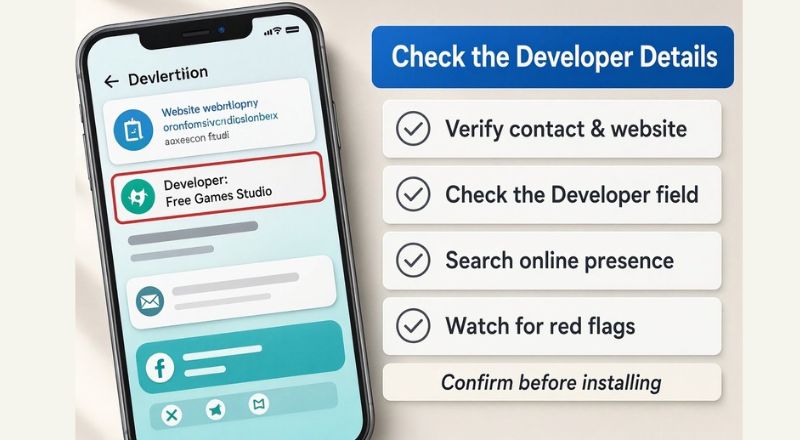
- Examine the Creator: The first step in protecting your device is checking who developed the application.
- Verify Contact & Website Links: Authentic developers typically share clear contact details, an official website, and a history of legitimate releases.
- Check the “Developer” field: scroll through the app’s listing to ensure the listed company or profile matches established brands or verified individual profiles.
- Search Online Presence: Look up the developer outside the app store to confirm they have active social channels, a professional site, or a solid portfolio.
- Watch for Red Flags: Treat generic developer names (e.g., “Free Games Studio”), misspelt company names, missing websites, or links to unrelated pages as warning signs.
- Confirm Before Installing: Verifying creator details beforehand establishes trust before tapping install.
Scrutinise App Reviews and Ratings
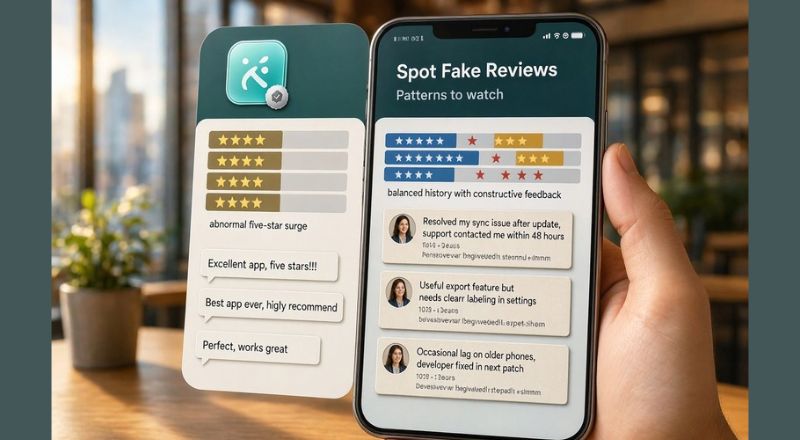
Genuine apps accumulate a balanced mix of praise and constructive criticism over time, whereas fake tools often display an abnormal pattern. Beware of listings with a flood of five-star ratings posted within a short window, generic comments, or repetitive phrasing.
Authentic reviews mention specific features, problem-solving capabilities, or minor drawbacks later addressed by developers. Fraudulent entries often feature overly enthusiastic language lacking detail or broken grammar, suggesting automated generation.
A sudden surge of positive feedback after a period of silence can indicate review manipulation. Reading detailed comments helps determine if the community genuinely values the product or if it is attempting to lure users.
Inspect Download Counts
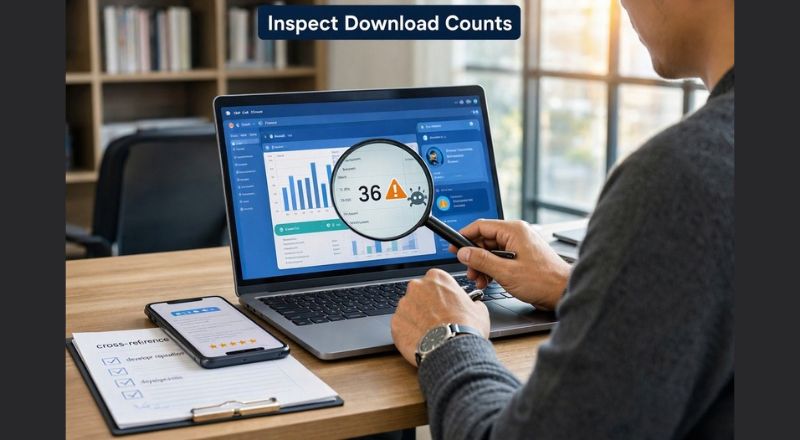
Popular applications that have earned trust typically boast download numbers in the millions or tens of millions, reflecting widespread adoption. While a low install count does not automatically signal danger, it merits closer inspection when paired with other red flags. Counterfeit creators sometimes inflate figures through bots or misleading marketing to appear popular. Conversely, a legitimate niche tool may serve a specialised audience and naturally accumulate fewer downloads.
In such cases, cross‑reference the download figure with the app’s purpose category and developer reputation. If a simple flashlight utility claims tens of millions of installs yet the developer lacks any recognisable background, question the validity of that number. Treat download statistics as one piece of the puzzle rather than decisive proof; combine it with developer scrutiny and review analysis for a clearer picture.
Review Permissions Carefully
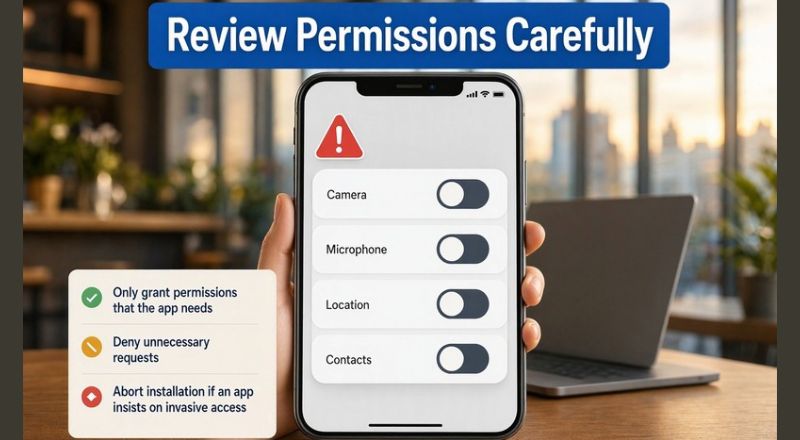
Applications routinely request access to device functions such as the camera, microphone, location, contacts, or storage. Legitimate applications only ask for permissions that directly support their main features, whereas unexpected requests signal potential risks.
Fake apps frequently demand broad permissions to collect personal data, send premium SMS messages, or install malware. Operating systems allow users to manage permissions during installation and runtime, enabling access to be denied or revoked.
Unnecessary permission requests should be denied, and installation aborted if an app insists on invasive access.
Watch for Poor Design and Typos – Fake Apps
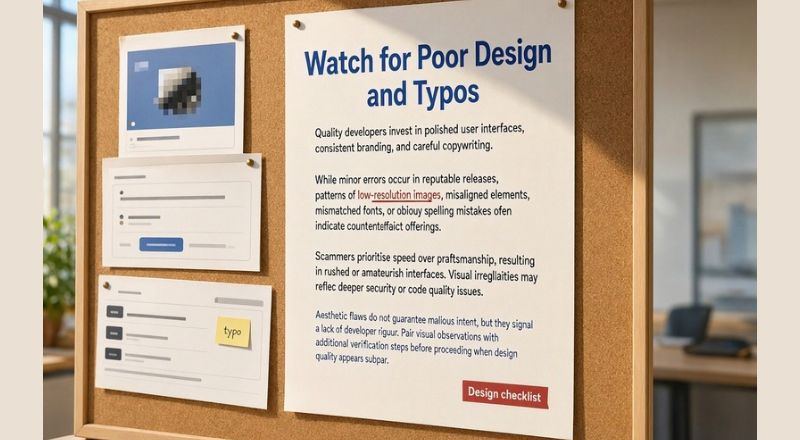
Quality developers invest in polished user interfaces, consistent branding, and careful copywriting.
While minor errors occur in reputable releases, patterns of low-resolution images, misaligned elements, mismatched fonts, or obvious spelling mistakes often indicate counterfeit offerings.
Scammers prioritise speed over craftsmanship, resulting in rushed or amateurish interfaces. Visual irregularities may reflect deeper security or code quality issues.
Aesthetic flaws do not guarantee malicious intent, but they signal a lack of developer rigour. Pair visual observations with additional verification steps before proceeding when design quality appears subpar.
Verify Official Websites
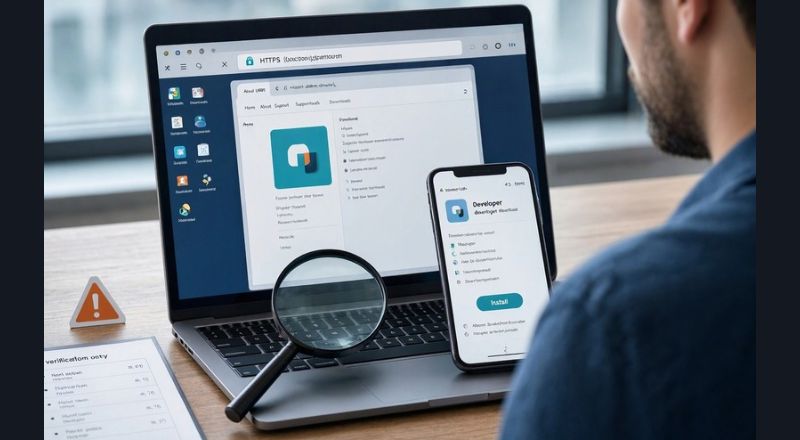
Search for and verify the official website associated with the app, ensuring the URL matches the developer name in the store and uses a secure HTTPS connection.
Ensure the site contains clear navigation, an About page, and direct links to the relevant app listing.
Be cautious of fraudulent apps that lack a website, direct to domain pages filled with ads or unrelated content, or use look-alike sites with subtle spelling or domain extension changes.
Confirm that the app’s online presence matches its store listing to ensure the software comes from a genuine source.
Use Trusted App Stores
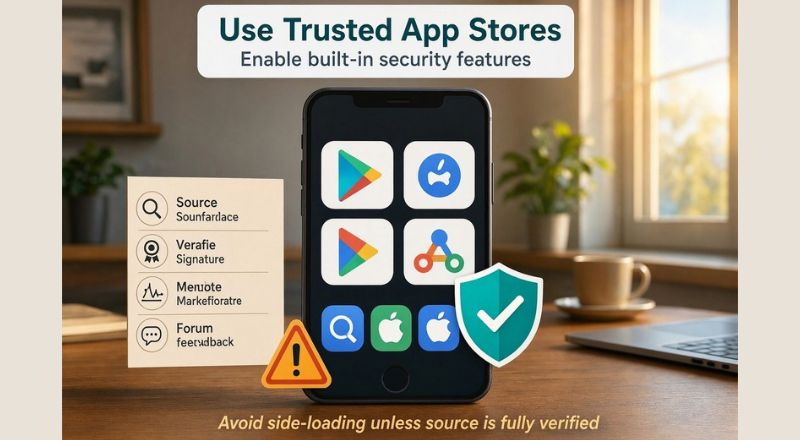
Stick to official marketplaces like Google Play, the Apple App Store, or reputable third-party alternatives that screen for and remove harmful software to reduce the risk of downloading fake apps.
Enable your device’s built-in security features, such as Google Play Protect, to continuously scan installed apps for suspicious behaviour and receive alerts when risks arise.
Avoid side-loading applications unless you have thoroughly verified the source through multiple trusted channels and understand the potential risks involved. When installing software outside primary marketplaces, verify the file’s signature, check community feedback on tech forums, and run a security scan prior to opening it.
Run Mobile Security Scans
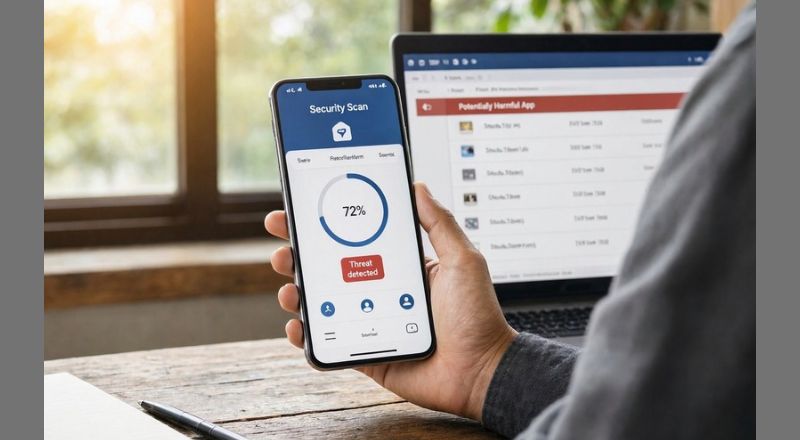
Running a reliable mobile security solution provides an ongoing safety net even with diligent pre-install checks. Modern antivirus and anti-malware apps monitor incoming downloads, scan existing programs for known threat signatures, and detect anomalous behaviour such as unauthorised data transmission or excessive resource consumption.
Choose a security product from a well-known vendor offering positive independent test results and regular updates. Schedule periodic full-device scans and enable real-time protection to catch threats as they appear.
If security software flags an app as potentially harmful, treat the warning seriously, investigate the findings, and consider immediate uninstallation. Combining proactive vigilance with automated defences establishes a robust shield against evolving mobile threats.
Conclusion

Empowering yourself to distinguish authentic applications from deceptive imitations begins with curiosity and ends with confidence. By consistently checking developer credentials, examining user feedback, evaluating download volumes, scrutinising requested permissions, noting design quality, verifying official websites, relying on trusted marketplaces, and employing security scanners, you construct a multi‑layered defence strategy that adapts to new threats as they emerge. Each habit reinforces the next, turning your smartphone into a resilient guardian of your personal data rather than a vulnerable entry point. Embrace these practices, share them with friends and family, and enjoy the freedom that comes from knowing you remain in control of your digital life. Your vigilance not only protects you but also contributes to a safer ecosystem for all users navigating the vast landscape of mobile applications. Stay alert, stay informed, and keep your device thriving with only the tools that truly serve you.

Elevate your lifestyle with our curated content on technology, sports, travel, health, and fashion. Stay ahead of the trends and make informed choices.