- Power Supply Efficiency: Decoding 80 Plus Bronze, Silver, and Gold Ratings
- Understanding 80 Plus Ratings
- How PSU Efficiency Works
- Comparing Bronze, Silver, and Gold
- Choosing the Right Power Supply for Your PC
- Benefits of Energy-Efficient Units
- Key Factors for PSU Selection
- Final Tips for Your Hardware Build
- Conclusion
Power Supply Efficiency: Decoding 80 Plus Bronze, Silver, and Gold Ratings
When building or upgrading a gaming PC, most enthusiasts focus on processors, graphics cards, and RAM. Yet the power supply unit (PSU) remains one of the most critical yet often overlooked components. Without a reliable PSU, even the most powerful hardware can’t deliver its full potential. Understanding power supply efficiency and 80 Plus ratings can help you make smarter decisions, save money on electricity, and build a more reliable system.
This comprehensive guide breaks down everything you need to know about PSU certification levels, helping you choose the right power supply for your specific needs. Whether you’re constructing a budget-friendly workstation or a high-performance gaming rig, the information here will guide you toward making an informed choice.
Understanding 80 Plus Ratings
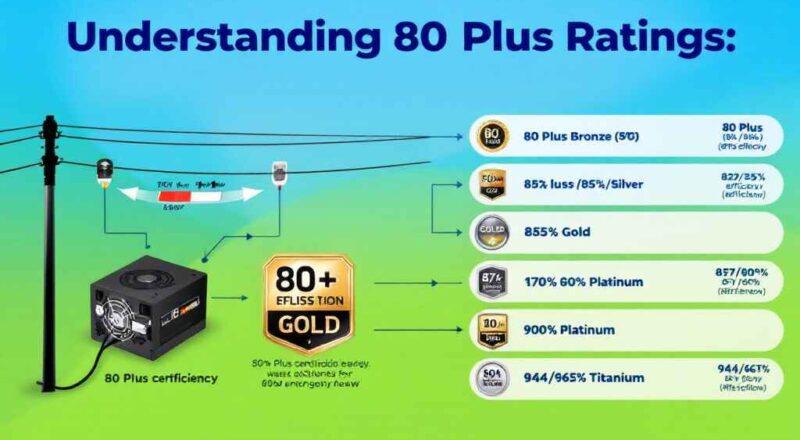
The 80 Plus rating program represents an industry-standard certification system that measures how efficiently a power supply converts AC power from your wall outlet into DC power that your computer components use. Launched in 2004, this voluntary certification program aims to help consumers identify PSUs that meet specific efficiency standards under various load conditions.
What the Certification Means
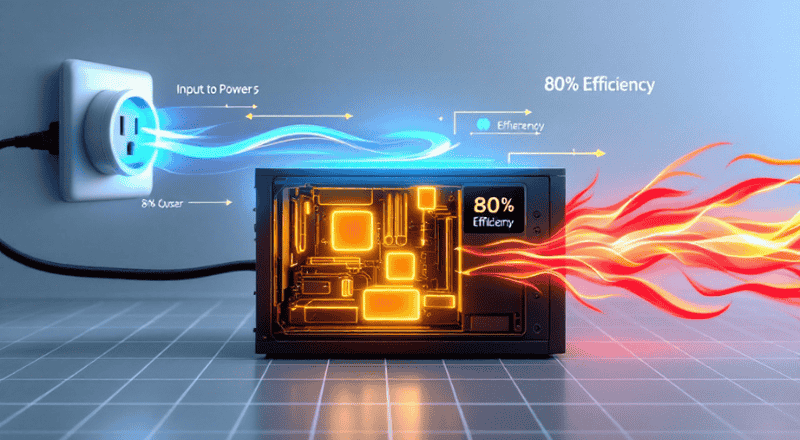
When your computer draws power from the grid, not all of it reaches your components. Some energy gets lost as heat during the conversion process from AC to DC power. A PSU efficiency rating tells you what percentage of input power actually reaches your system versus how much is wasted.
For example, an 80% efficient PSU operating at a 500-watt output actually draws approximately 625 watts from your wall outlet. The remaining 125 watts generate heat within the PSU itself, which your cooling system must then dissipate.
The 80 Plus certification ensures that a power supply maintains at least 80% efficiency across typical load conditions. Specifically at 20%, 50%, and 100% of its rated capacity. This standardization helps you compare different units objectively rather than relying solely on manufacturer claims.
Certification Levels Explained
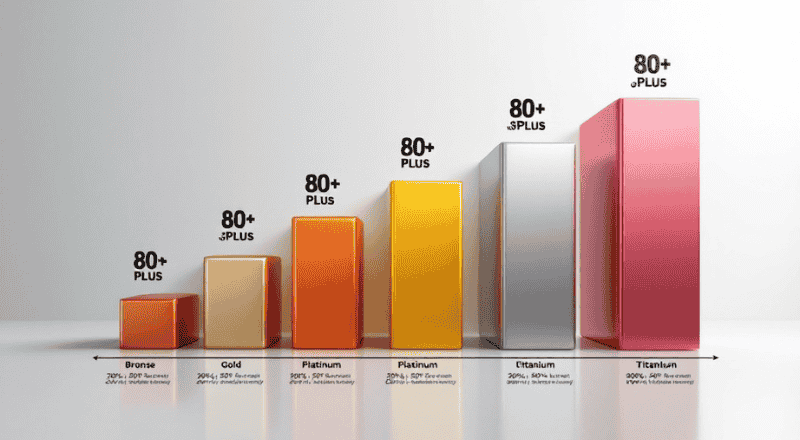
The program offers several certification tiers, each representing higher efficiency standards:
- 80 Plus (baseline): 80% efficiency at 20% load, 80% at 50% load, and 80% at 100% load
- 80 Plus Bronze: 82%/85%/82% efficiency at respective loads
- 80 Plus Silver: 85%/88%/85% efficiency at respective loads
- 80 Plus Gold: 87%/90%/87% efficiency at respective loads
- 80 Plus Platinum: 90%/94%/90% efficiency
- 80 Plus Titanium: 94%/96%/94% efficiency (the highest standard)
These progressive tiers demonstrate that higher certification levels don’t just improve peak efficiency—they maintain superior performance across the entire load spectrum. This matters because most PCs rarely operate at exactly 50% capacity; they fluctuate between idle, moderate, and peak loads regularly.
How PSU Efficiency Works
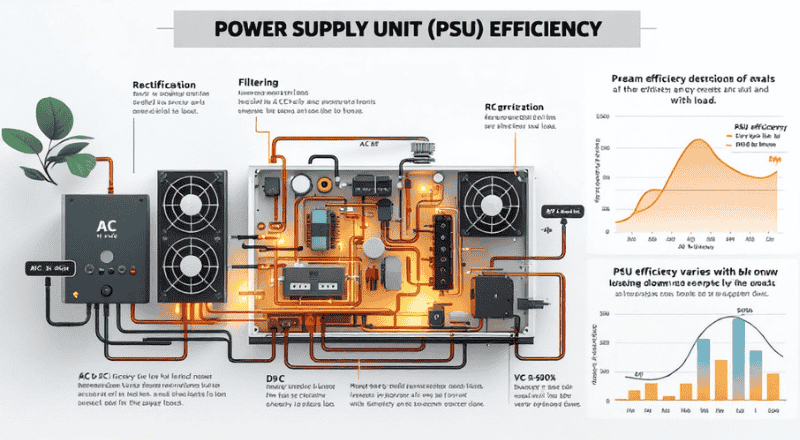
Understanding the mechanics behind power supply efficiency helps you appreciate why certification matters beyond marketing claims. The conversion process involves several stages, each presenting opportunities for energy loss.
The AC-to-DC Conversion Process
Your home supplies alternating current (AC), while computer components require direct current (DC). The PSU performs this conversion through a multi-stage process:
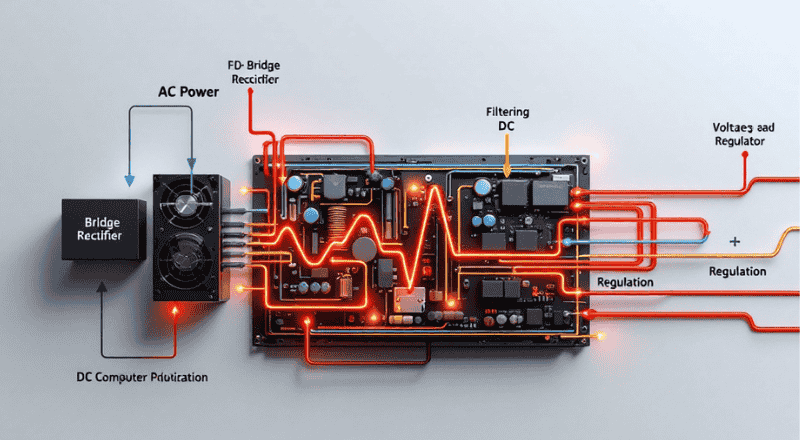
- Rectification: First, incoming AC passes through a bridge rectifier that converts it to DC. During this stage, some energy converts to heat.
- Filtering: The rough DC then passes through capacitors and inductors that smooth out voltage fluctuations. These components also generate some heat.
- Regulation: The cleaned DC passes through voltage regulators that adjust output to precise levels required by different components. This regulation process can cause additional efficiency losses.
- Output: Finally, the regulated DC is distributed through multiple rails (+12V, +5V, +3.3V, etc.) to various components.
Each stage offers opportunities for improvement through better component quality and design. Higher-efficiency PSUs use superior components and more sophisticated topologies that minimize losses at each step.
Why Efficiency Varies with Load
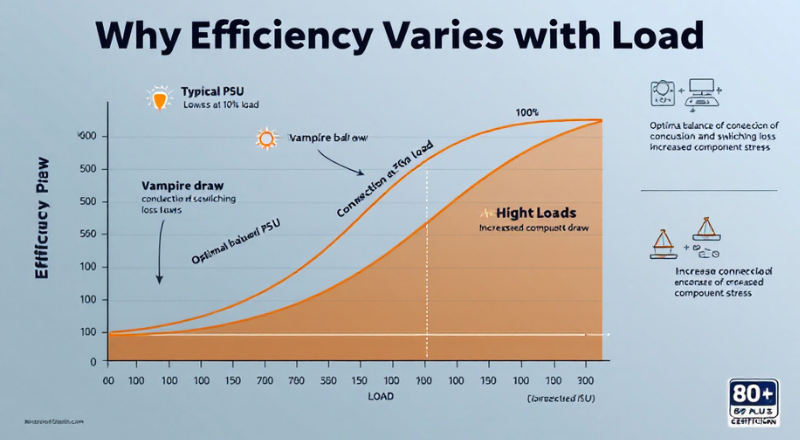
You might wonder why efficiency percentages differ at 20%, 50%, and 100% loads. The answer lies in how PSU designs optimize performance across the operating range.
- At very low loads (around 5-10%), even efficient PSUs struggle because their internal components still consume baseline power just to function—this is called vampire draw.
- At moderate loads (40-60%), most PSUs hit their efficiency peak because the design optimally balances conduction losses against switching losses.
- At maximum loads, component stress increases, causing efficiency to dip slightly.
This explains why the 80 Plus certification tests at multiple points rather than just one. A unit might perform excellently at mid-range loads while falling short at extremes—certification catches these inconsistencies.
Comparing Bronze, Silver, and Gold
Now let’s directly compare the three most common 80 Plus certification tiers you’ll encounter when shopping for a PSU. Understanding these differences helps you determine which level justifies the price premium for your situation.
Efficiency Breakdown
|
Certification |
20% Load | 50% Load | 100% Load |
|
80 Plus Bronze |
82% | 85% |
82% |
|
80 Plus Silver |
85% | 88% |
85% |
| 80 Plus Gold | 87%, | 90%, |
87% |
The differences might seem small—just five percentage points between Bronze and Gold at the 50% load point. However, when you’re drawing significant power consistently, this adds up noticeably over time.
Real-World Cost Implications
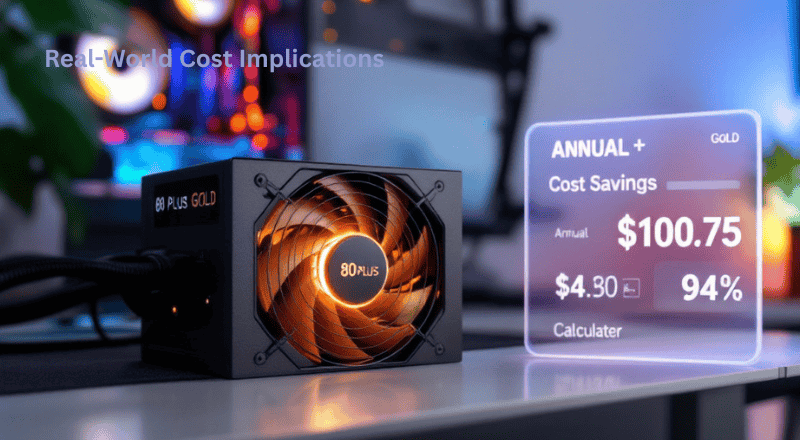
Consider a gaming PC running a mid-range graphics card that consumes around 300 watts during gameplay. Assuming your system operates approximately six hours daily, and electricity costs $0.13 per kilowatt-hour (the U.S. average), let’s calculate annual operating costs:
Bronze (85% efficient at 50% load):
Annual energy consumption: (300W ÷ 0.85) × 6 hours × 365 days ≈ 775 kWh
Annual cost: 775 × $0.13 ≈ $100.75
Gold (90% efficient at 50% load):
Annual energy consumption: (300W ÷ 0.90) × 6 hours × 365 days ≈ 730 kWh
Annual cost: 730 × $0.13 ≈ $94.90
The difference: roughly $5.85 annually for this single scenario. For higher-end systems running more demanding components, the gap widens proportionally. Over a typical PSU lifespan of 5-7 years, the accumulated savings become more meaningful.
Efficiency isn’t the only thing to consider—higher-rated units also produce less heat, which can help keep your system cooler and extend the life of your components.
Choosing the Right Power Supply for Your PC
Selecting the appropriate PSU involves more than simply picking the highest certification tier. Your specific use case, system requirements, and budget all influence the optimal choice. Here’s how to approach this decision thoughtfully.
Matching Wattage to Your Needs
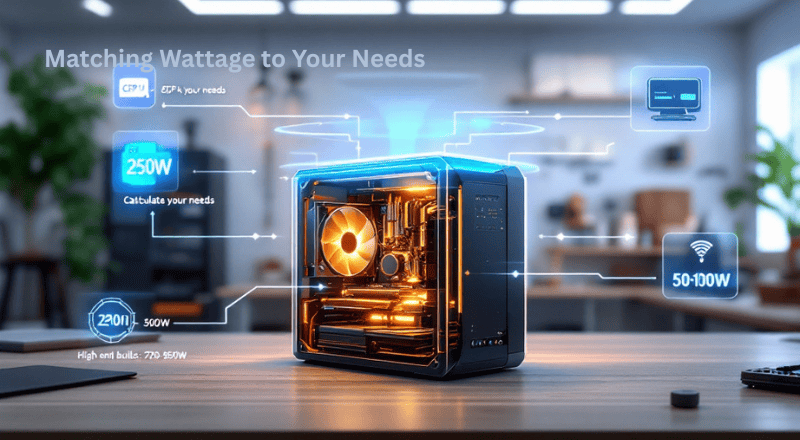
Before worrying about efficiency ratings, make sure your PSU can provide enough power for all your components. Calculate your requirements by adding up the wattage demands:
- Processor: 65W (efficient) to 250W+ (high-end)
- Graphics card: 120W (entry-level) to 350W+ (flagship)
- Motherboard, storage, memory, and peripherals: 50-100W typically
For a mid-range gaming PC with a Core i5 processor and RTX 4060 GPU, a 550-650W unit suffices. High-end builds with flagship graphics cards might require 750-850W or more. Always leave 20-30% headroom for safety and future upgrades.
Recommendations by Use Case (power supply)
Basic Office or Home Theater PC For systems handling web browsing, document work, and media consumption, an 80 Plus Bronze unit provides excellent value. These systems typically consume under 200 watts total, so efficiency differences matter less—but reliable power delivery remains important.
Mid-Range Gaming PC: A gaming PC build focusing on 1080p or 1440p gaming benefits significantly from an 80 Plus Gold certification. The moderate premium over bronze pays back through reduced heat output and lower operating costs—particularly if your system runs for many hours weekly.
High-End Gaming or Workstation. For systems with flagship processors, top-tier graphics cards, or multi-GPU configurations, 80 Plus Gold or higher becomes worthwhile. These components demand stable, clean power delivery, and the efficiency gains help manage heat in densely packed cases.
Benefits of Energy-Efficient Units
Understanding the advantages of higher efficiency extends beyond electricity bill savings. Let’s explore the full scope of benefits that energy-efficient power supply units provide.
Reduced Heat Output

The most immediate benefit is simpler: more efficient PSUs generate less waste heat.
- A power supply unit operating at 90% efficiency generates nearly 40% less thermal waste than a system running at 82% efficiency.
- The exact same power delivery is maintained throughout operation.
This reduction matters because heat affects everything in your computer. Lower ambient temperatures inside your case extend component lifespan, reduce fan speeds (leading to quieter operation), and improve overall system stability. During summer months or in warm environments, this advantage becomes particularly noticeable.
Lower Electricity Costs (power supply)

As calculated earlier, efficiency differences translate directly to operating cost savings. For gamers and professionals who use their systems for many hours each day, these savings can really add up over time. While you shouldn’t choose a PSU purely expecting financial returns—the differences are relatively modest—it’s a welcome secondary benefit.
Environmental Considerations
 Reduced energy consumption means a smaller carbon footprint. For eco-conscious builders, picking an efficient PSU is a simple yet effective way to reduce the environmental footprint of your computing. Though the individual difference may be minor, when multiplied across millions of PC builds worldwide, the overall impact becomes significant.
Component Longevity
Lower heat output correlates with reduced thermal stress on both the PSU itself and other components. PSUs with higher efficiency ratings typically use superior components designed to handle less heat, further extending their operational lifespan. This reliability proves valuable for systems that must perform consistently without unexpected failures.
Key Factors for PSU Selection
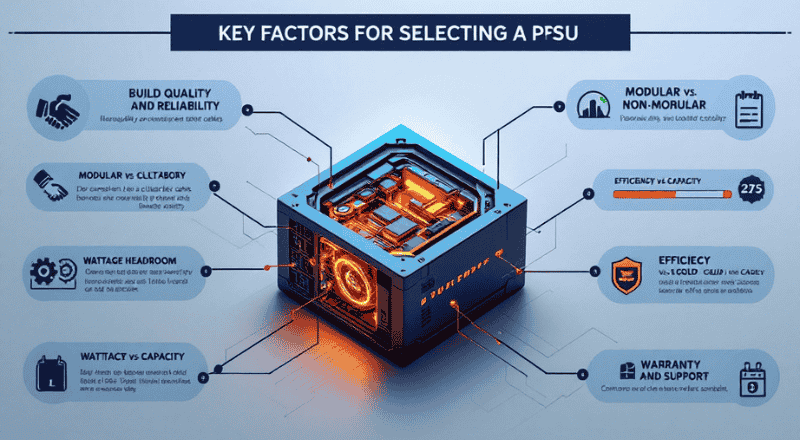
While 80 Plus certification provides an excellent starting point, other factors significantly influence your PSU purchase decision. Here are the essential elements to evaluate alongside efficiency ratings.
Build Quality and Reliability
Not all PSUs within the same certification tier offer equal quality. Look for units from reputable manufacturers with proven track records. Reviews and professional tests often reveal important differences in component quality, ripple suppression, and long-term reliability that specifications alone don’t capture.
Modular versus non-modular design affects cable management but doesn’t impact performance. If case airflow matters to you, modular PSUs allow removing unused cables for cleaner builds.
Wattage Headroom

Always select a PSU with capacity exceeding your calculated requirements by 20-30%. This headroom accommodates power spikes during demanding tasks, provides capacity for future upgrades, and ensures the PSU operates within its most efficient load range more often.
Efficiency Versus Capacity Trade-offs
 Sometimes you’ll face choices between a higher-wattage Bronze unit and a lower-wattage Gold unit at similar prices. Generally, the Gold unit offers better value if its capacity meets your needs—the efficiency advantages typically outweigh capacity benefits for typical use cases.
Warranty and Support

PSU warranties typically range from three to ten years, with longer warranties indicating manufacturer confidence. Consider warranty length alongside your expected usage duration—when building a long-term system, extended warranty coverage provides valuable peace of mind.
Final Tips for Your Hardware Build
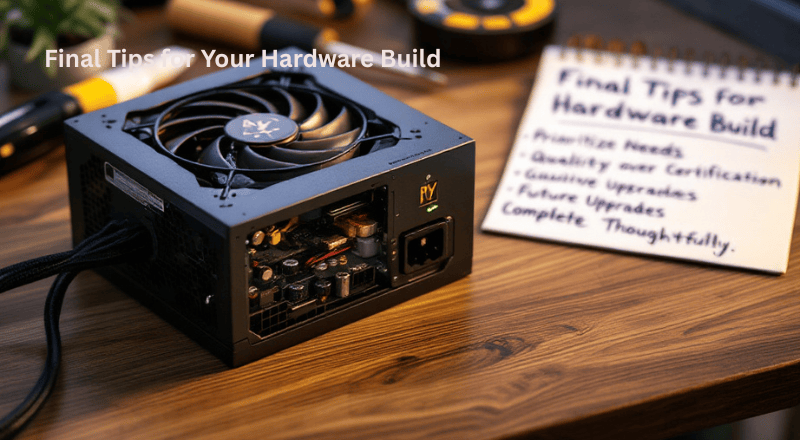
As we wrap up this guide, here are actionable recommendations to apply when selecting your next power supply.
Prioritize Your Specific Needs

Every build has unique requirements. Don’t feel pressured to buy the most expensive unit available if your use case doesn’t demand it. A Bronze unit might perfectly serve a basic office system, while a Gold unit proves worthwhile for a gaming PC you’ll use extensively for years.
Research Before Purchasing

Read professional reviews and user experiences before finalizing your choice. Certification tiers indicate minimum efficiency standards, real-world performance, noise levels, and reliability. can vary significantly between models and brands.
Plan for Future Upgrades
 If you anticipate upgrading your graphics card or adding components later, factor this into your wattage calculation now. Selecting slightly more capacity than you currently need prevents having to replace your PSU when upgrading other components.
Don’t Sacrifice Quality for Certification
A well-built bronze unit from a quality manufacturer often outperforms a poorly made gold unit. Ensure your chosen PSU comes from a reputable brand with positive reviews before focusing on certification tiers.
Complete Your Build Thoughtfully
Your PSU connects to every other component in your system. Taking time to select the right unit protects your entire investment. The confidence that comes from reliable, efficient power delivery enhances your computing experience regardless of how you use your system.
Conclusion
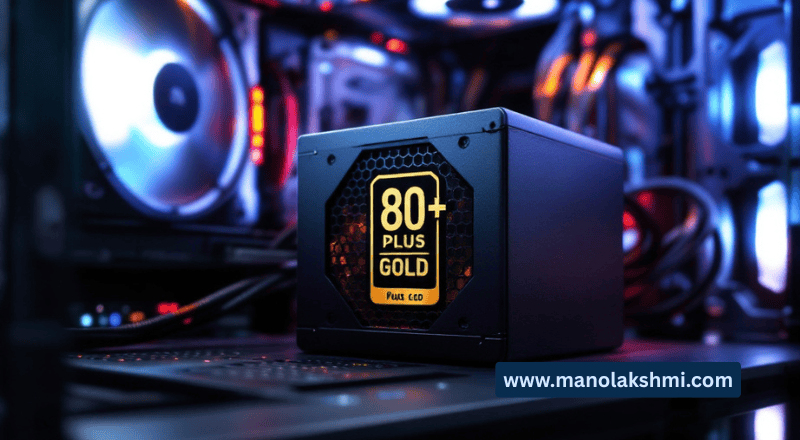
Understanding 80 Plus ratings and PSU efficiency enables informed decisions when building or upgrading your PC. Choosing a certified Bronze, Silver, or Gold unit ensures proven performance over marketing claims.
Remember that higher certification tiers offer genuine benefits—reduced operating costs, lower heat output, and improved reliability. However, the right choice depends on your specific needs, budget, and usage patterns. For most intermediate builders, 80 Plus Gold strikes an excellent balance between cost and benefit.
Your power supply might be hidden inside your case. But its impact on your system’s performance, longevity, and operating costs remains constant. Choose wisely, and enjoy the confidence that comes from a well-powered computing experience.
Ready to select your next PSU? Consider your current and anticipated components, calculate your wattage needs, and choose a certified unit from a reputable manufacturer that fits your budget and efficiency goals.

Elevate your lifestyle with our curated content on technology, sports, travel, health, and fashion. Stay ahead of the trends and make informed choices.